Claude Code stops being a novelty once you stop watching it work. Hooks, headless CI, and scheduled routines turn it into a coworker that ships fixes while you’re doing something else.
See the workflow in action, tap through the tabs below:
$ install + first run
curl -fsSL https://claude.ai/install.sh | bash
cd your-project
claude
$ .claude/settings.json
{
  "hooks": {
    "PostToolUse": [
      { "matcher": "Edit|Write",
        "hooks": [{ "type": "command",
          "command": "${CLAUDE_PROJECT_DIR}/.claude/hooks/lint-check.sh" }] }
    ]
  }
}
$ ci pipeline
git diff main --name-only | \
  claude -p "review these changed files for security issues" \
  --output-format json --max-turns 5
$ inside a claude session
/schedule "every weekday at 9am, summarize yesterday's
commits and open issues, post to #eng-devops"
Where does this break? Mostly permissions. --dangerously-skip-permissions is fine in a throwaway CI sandbox and a bad idea on a laptop with real credentials on it. Second most common snag: GitHub doesn’t fire new workflow runs on commits pushed with the default GITHUB_TOKEN, so if your CI goes quiet on Claude’s own commits, that’s why. Authenticate the GitHub Action as the Claude GitHub App instead and it resolves itself.
What Claude Code actually is
Claude Code is Anthropic's agentic coding tool. You point it at a codebase and it reads the files, writes the fix, runs the tests, and shows you a diff, all from a single prompt. It ships as a terminal CLI, a VS Code and JetBrains extension, a desktop app, and a browser version at claude.ai/code. All of them run the same engine, so a CLAUDE.md file, your MCP servers, and your settings carry over no matter which surface you open it from.
For a DevOps or security team the pitch isn't "AI writes code for you." It's narrower and more useful than that: Claude Code can read logs, trace an incident through a codebase, open a pull request, run in CI, and do it on a schedule without a human kicking it off every time. That's the part worth building workflows around, and it's also where most teams stop too early. We covered the core install-and-go workflows in an earlier Claude Code tutorial; this one goes further into automating the tool itself so it runs without you in the loop.
Quick setup
Install the native CLI, then start it in a project:
curl -fsSL https://claude.ai/install.sh | bash
cd your-project
claude
On Windows, use the PowerShell one-liner from the official docs instead of the curl command. You'll be prompted to log in on first run. Claude Code works on the free tier for chat, but the CLI itself needs a paid Claude subscription (Pro and up) or an Anthropic Console API key, there's no free-tier CLI access.
The mindset that makes this actually work
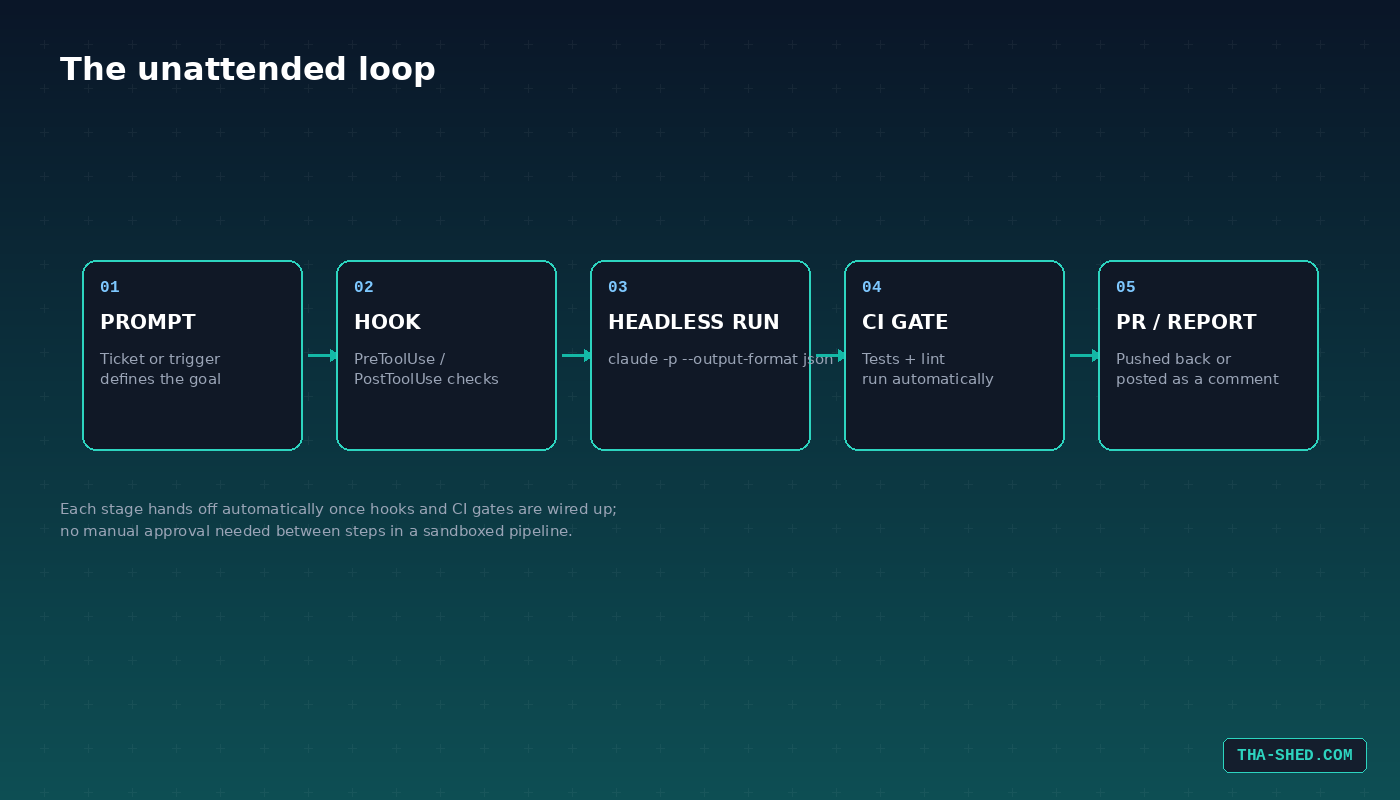
Most people treat Claude Code like autocomplete with extra steps: type a request, watch it work, approve the diff, repeat. That's fine for one-off fixes, but it wastes the tool's real advantage, which is that it can run unattended. The mental shift that pays off is treating Claude Code less like a chat window and more like a coworker you can hand a ticket to and walk away from. Write the request the way you'd write it for a competent junior engineer: state the goal, the constraints, and what "done" looks like, then let it work in the background while you do something else. The workflows below lean into that.
7 workflows worth setting up
1. Ad hoc bug fixes from a stack trace. Paste an error and let Claude Code trace it through the repo instead of grepping yourself.
claude "here's a stack trace from prod: <paste>. Find the root cause and fix it, then run the relevant tests."
2. Hooks that enforce standards without a human watching. Hooks run shell commands automatically at points in Claude Code's lifecycle, PostToolUse after an edit, PreToolUse before a command runs. Use them to auto-lint every file Claude touches or block destructive commands outright.
{
  "hooks": {
    "PostToolUse": [
      { "matcher": "Edit|Write",
        "hooks": [{ "type": "command", "command": "${CLAUDE_PROJECT_DIR}/.claude/hooks/lint-check.sh" }] }
    ]
  }
}
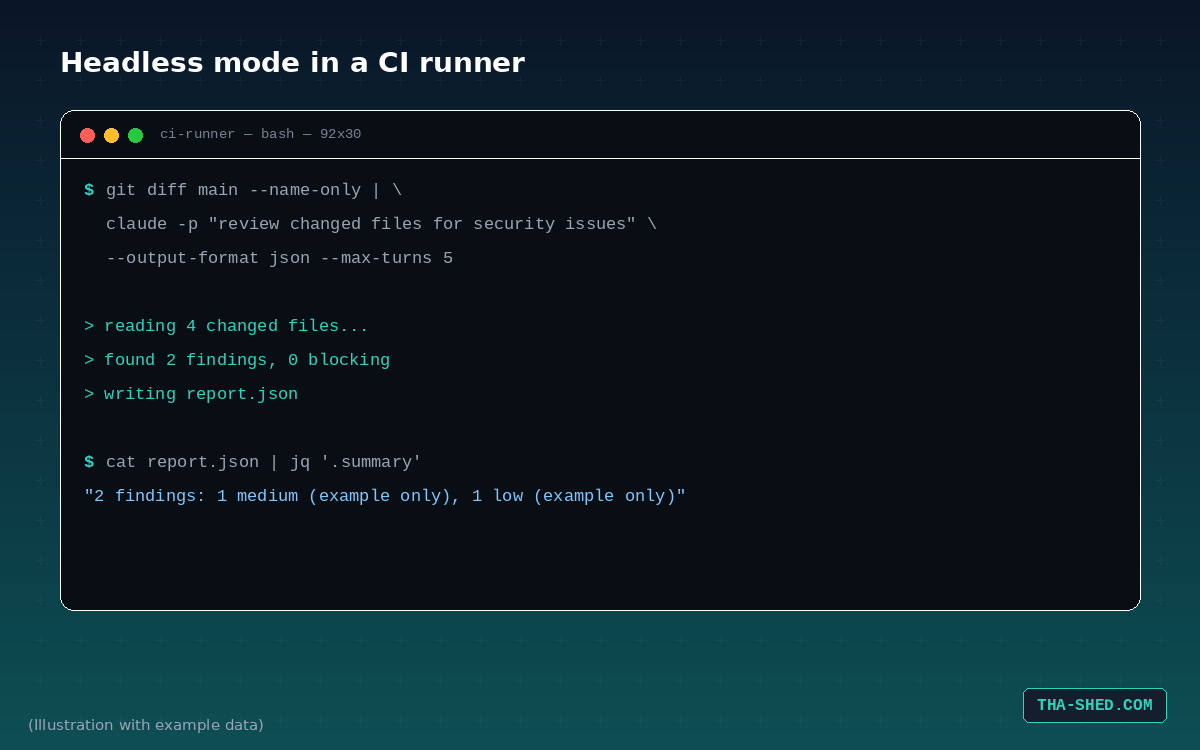
3. Headless mode piped straight into CI. The -p flag runs Claude Code non-interactively and prints the result, which means it composes with any shell pipeline.
git diff main --name-only | claude -p "review these changed files for security issues" --output-format json
4. @claude on pull requests. Install the GitHub Action (/install-github-app from inside Claude Code) and anyone with write access can mention @claude in a PR or issue comment to get a fix, a review, or a full implementation pushed back as commits. Point it at a specific issue and it'll open the branch, make the change, and push, no local checkout required on your end.
@claude fix the TypeError in the user dashboard component and open a PR
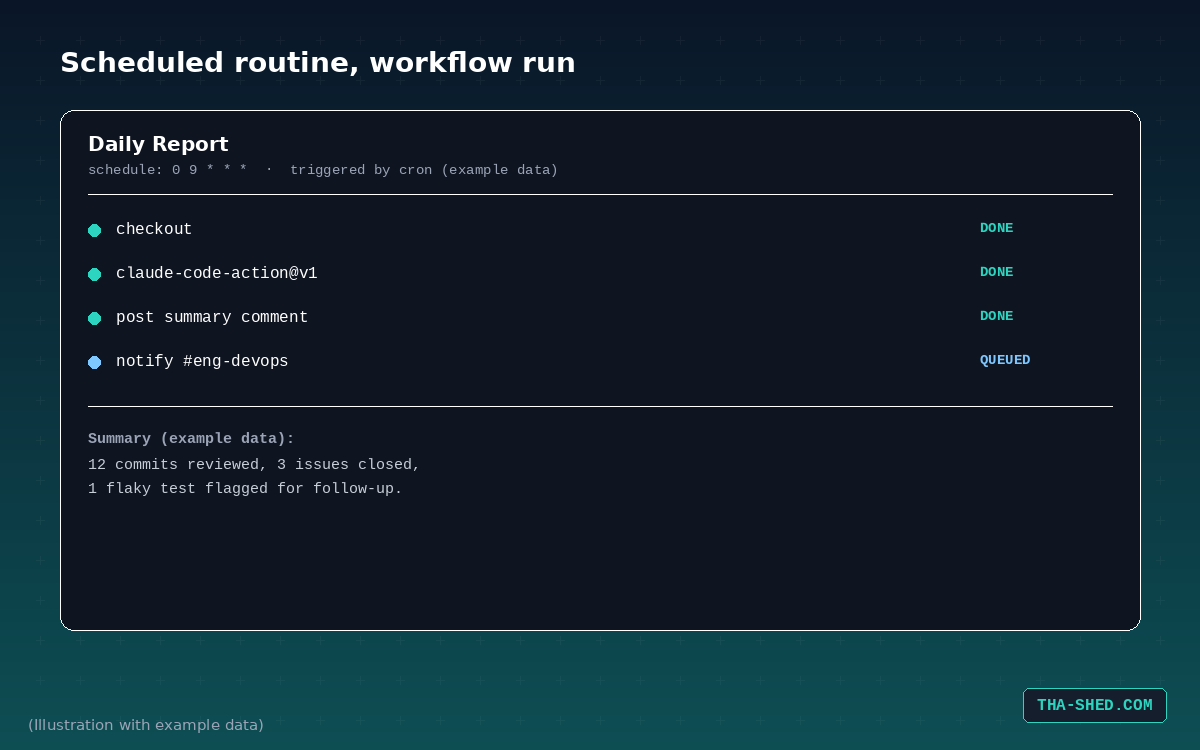
5. Scheduled reports that run while you sleep. Routines run in Anthropic's cloud, not your laptop, so a nightly dependency audit or a Monday morning PR digest fires even with your machine off. Set one up with /schedule inside a CLI session, or trigger the same idea from a GitHub Actions cron job.
claude_args: |
  --model claude-sonnet-5
  --allowedTools "mcp__github__list_commits,mcp__github__list_issues"
6. MCP-connected incident response. The Model Context Protocol is an open standard for wiring external tools into Claude Code. Connect MCP servers for Slack, Jira, or your internal ticketing system and Claude Code can pull an alert, read the linked runbook, and draft the postmortem without you copy-pasting between five browser tabs. Each MCP server you add is available across every surface, terminal, IDE, desktop, once it's configured once.
7. Parallel subagents for a multi-file refactor. For anything that touches more than a handful of files, a lead agent can spin up subagents that work different parts of the change simultaneously and merge the result, instead of you doing it file by file.
claude "split the auth module migration across subagents: one handles the middleware, one handles the tests, merge when both are done"
Safety and gotchas
Claude Code asks for permission before running commands or editing files by default, and that default exists for a reason. --dangerously-skip-permissions (or --permission-mode bypassPermissions) is genuinely useful in a sandboxed CI runner where nothing can go wrong, and genuinely dangerous on a machine with real credentials and a real production database. Don't run it on your laptop out of impatience just to skip a few approval prompts. In CI specifically, treat ANTHROPIC_API_KEY and CLAUDE_CODE_OAUTH_TOKEN like any other secret: store them in GitHub Secrets, never in the workflow file, and scope the workflow's permissions down to what the job actually needs (contents, pull requests, issues, nothing broader). A custom GitHub App with just those three permissions is a better fit than the full Claude GitHub App if your security team wants the smallest possible blast radius. Also worth knowing: GitHub does not trigger new workflow runs on commits made with the default GITHUB_TOKEN, so if your CI isn't firing on Claude's pushes, that's usually why, swap in the Claude GitHub App's own authentication instead.
Usage and cost notes
Claude Code is bundled into every paid Claude plan starting at Pro, roughly $17 on the annual plan or $20 billed monthly, with usage limits that reset on a rolling five-hour window. Max plans buy you 5x or 20x the throughput for teams running it constantly. If you're wiring Claude Code into GitHub Actions, remember you're spending two separate budgets: GitHub Actions minutes for the runner, and either API tokens or your subscription's usage allowance for the model calls. --max-turns and --max-budget-usd cap a single run, and a workflow-level timeout caps the whole job, use both if you're letting this trigger on a schedule unattended.
FAQ
Does Claude Code need an internet connection to work on my code?
Yes. It reads and edits files locally, but every request goes to Anthropic's API (or your own Bedrock, Vertex, or Foundry deployment if you've configured one), so it can't run fully offline.
Can I use Claude Code without a subscription, just an API key?
Yes, an Anthropic Console API key works as an alternative to a Claude subscription, billed by usage instead of a flat monthly fee. Good for CI where you want per-run billing instead of a seat.
What stops Claude Code from running a command I don't want it to run?
The permission system prompts before tool use by default, and hooks let you add hard blocks, like the rm -rf example above, that run before the model even gets a choice.
Closing
Claude Code stops being a novelty the moment you stop supervising every step of it. Start with one workflow, a hook that lints on save, or a scheduled report you'd otherwise write by hand, and build out from there once you trust the guardrails. If you want a structured walkthrough of wiring agent workflows into a DevOps pipeline end to end, our DevOps and security workflow course covers it in more depth than one blog post can.